DSH, ready when you are.
The official Harness runtime and plugin model stay intact. Gala adds a desktop shell and a character layer without turning the product into a browser shortcut or a theme that disappears once chat begins.
Electron, Node and a pinned DeepSeek Harness runtime ship together. Launch the app, enter your API key and start a conversation.
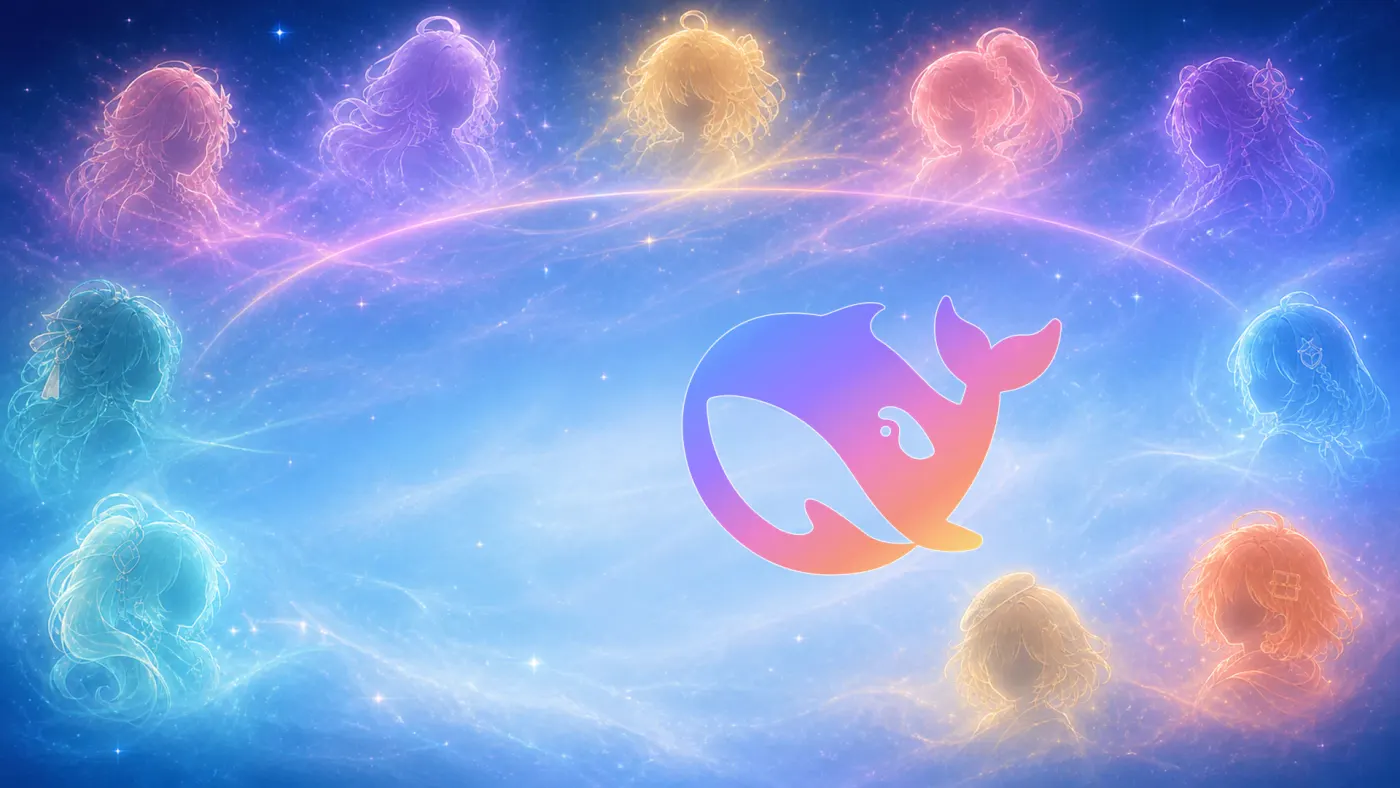
Avatar, welcome title, colour palette and the full conversation backdrop change together. GALA Stars welcomes you by default.
Each official character can bring her own speaking style while code, commands and facts remain unchanged. Personas are off by default.
Use image input and DeepSeek-V4 Flash Vision, plus the same dsh plugin workflow as upstream Harness.
Install the Preview.
Public Preview builds are free and open source. They are currently unsigned, so macOS Gatekeeper or Windows SmartScreen will ask you to confirm the first launch.
- Download the Apple Silicon
.dmgor Windows x64Setup.exefrom the release page. - Install normally, then approve the one-time system warning described in the release notes.
- Open Settings → Models, enter your DeepSeek API key and start chatting.
Good to know.
Is this an official DeepSeek product?
No. DeepSeek Harness Desktop Gala is an independent community project built on the open-source DeepSeek Harness runtime.
Where is my API key stored?
Credentials stay in the local DSH credentials file. They are not committed to this repository or bundled into installers.
Does choosing a character change model accuracy?
Not by default. Character personas are opt-in and change presentation style, not the underlying tools, commands or factual requirements.
Can I still install DSH plugins?
Yes. Open the configured DSH Terminal from the tray and use the upstream dsh plugin commands.